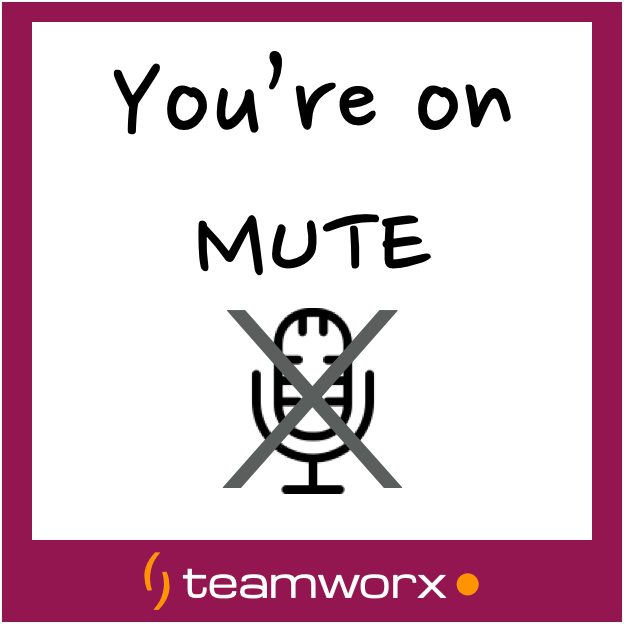
Zoom Video Meeting Visual Cues
- Teamworx
- 07 Jun, 2021
- 01 Min read
- Agile Resources & Tools
Every been frustrated trying to get the attention of your virtual meeting host? Don’t want to interrupt but need to send a subtle message?
Presenting our FREE virtual meeting cue cards. They are made with royalty-free icons from thenounproject.com
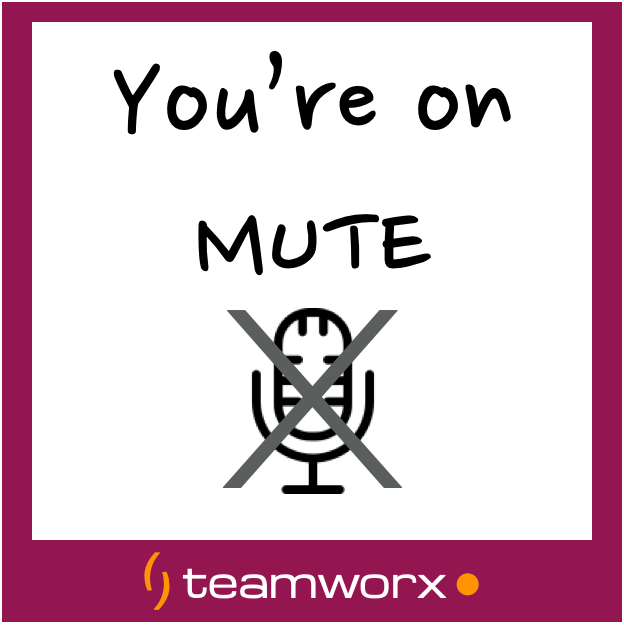
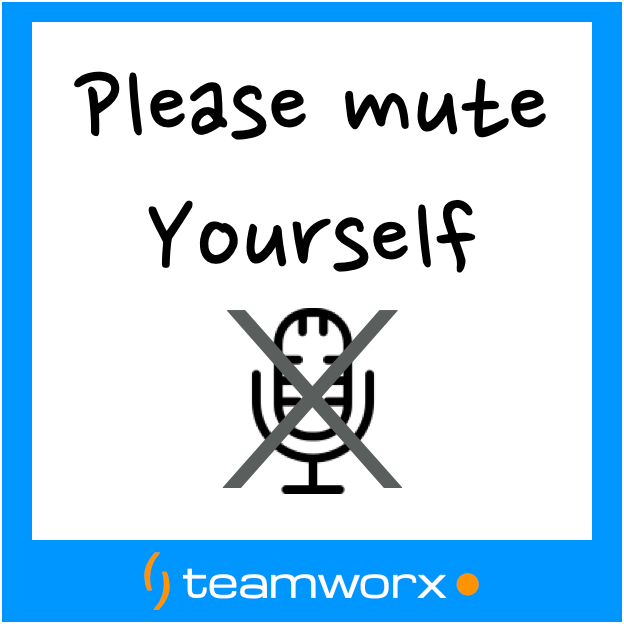

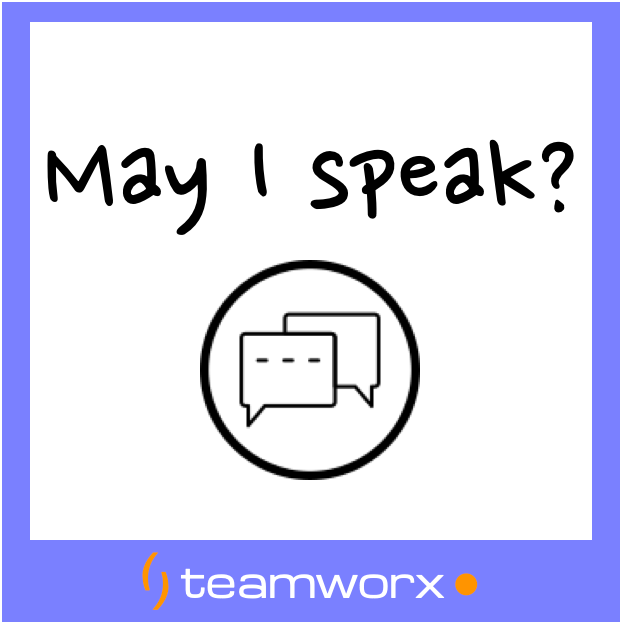

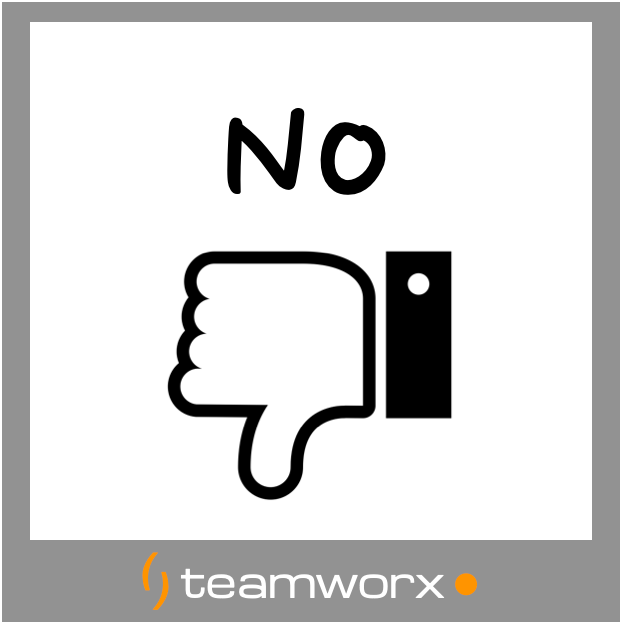

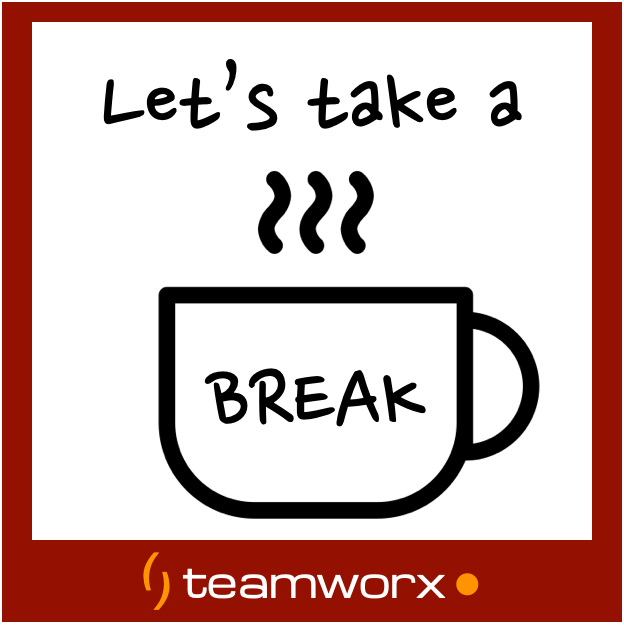

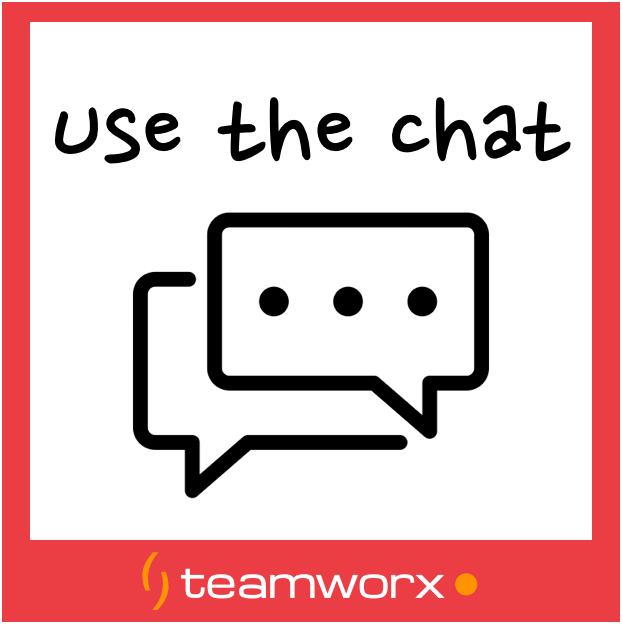
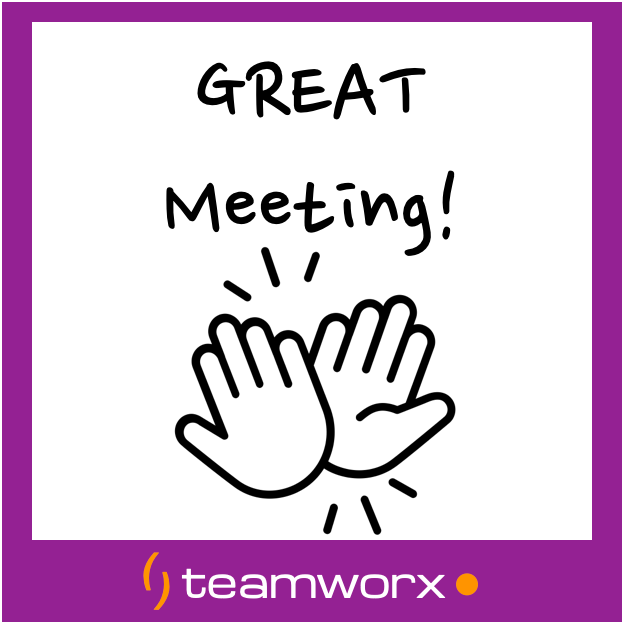
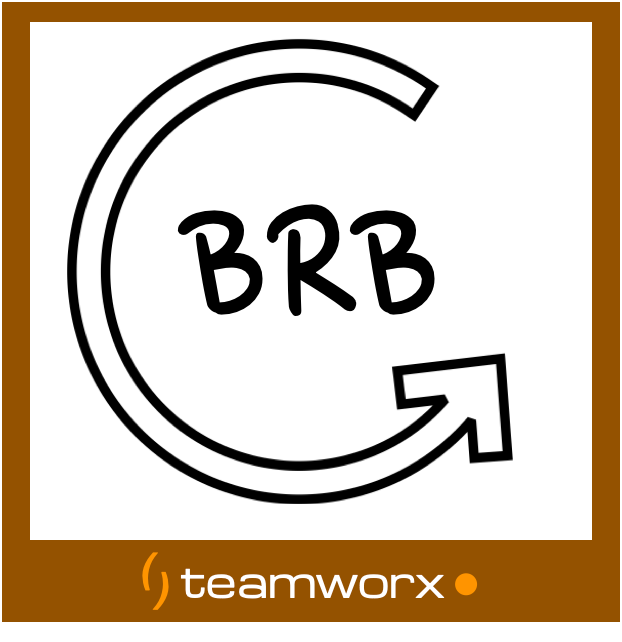
You can use them on your phone by full-screening the icons in this gallery, or have them printed out using the PDF below.
Download the PDF
Download Teamworx Zoom Cues (PDF)
How to Use
These visual cues help you communicate non-verbally in video meetings without interrupting the flow of discussion. Simply hold up the card that matches your message:
- Thumbs Up - Agreement or approval
- Hand Raised - Have a question or want to speak
- Confused - Don’t understand
- Need a Break - Need to step away
- Look at Chat - Important message in chat
- Mute/Unmute - Audio status
- Timer - Time’s running out
- Thumbs Down - Disagree or concern
Tips for Implementation
- Print and laminate for durability
- Keep by your desk during meetings
- Practice using them before important meetings
- Share with your team so everyone understands the signals
These simple tools can make your virtual meetings more efficient and engaging!
Stop "doing" process. Start delivering results.
Get in touch nowSee how we can help fine tune your business.